Photo prints
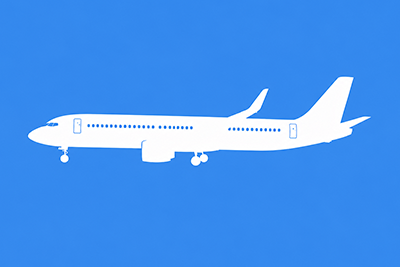
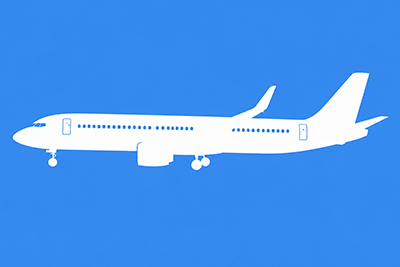
Cropping: There may be instances where you desire more space around the aircraft than what is shown on the website photo (for example, to avoid having parts of the aircraft covered by a photo mat or frame). Choose "Loose crop" for extra space around the aircraft. If you would like the cropping to match what is shown for the photo on the website, choose the "As shown" option. In the event that a photo isn't able to be cropped looser and "Loose crop" was selected, we will e-mail you for further direction.